
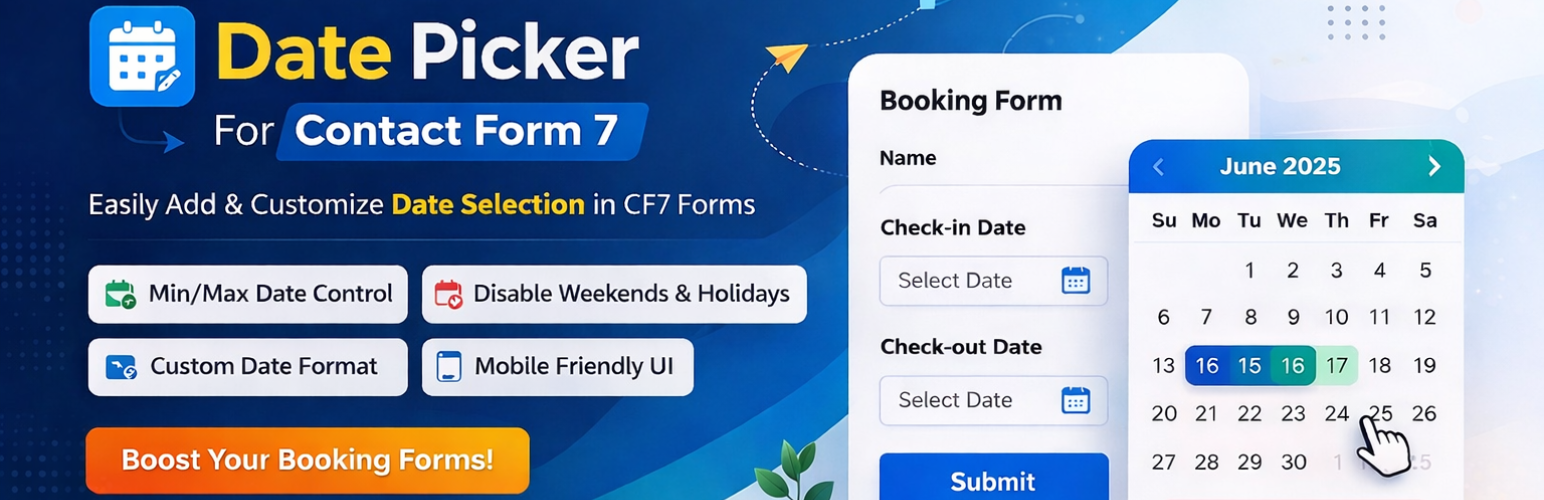
The free version got you started, but the Pro Version is built to run your business. Stop manually cross-checking calendars and start automating your availability.
Why Professional Businesses Choose Pro
While the free version handles basic date selection, Pro gives you the “logic” needed to manage real-world scheduling.
🚫 Advanced Date Blocking (The Game Changer)
Don’t let customers book on days you aren’t working.
-
Disable Specific Weekends: Automatically block Saturdays and Sundays.
-
Blackout Holidays: Pre-set your office closures or public holidays.
-
Date Ranges: Block out entire weeks for vacations or maintenance.
🎨 Premium Skin Gallery
Your brand isn’t “generic,” so your calendar shouldn’t be either.
-
Access 10+ Premium Skins designed to blend perfectly with modern themes like Astra, Divi, and Elementor.
-
Full CSS control for a truly native look.
📅 Linked Date Logic (Coming Soon / Pro Feature)
Create smart “Check-in” and “Check-out” fields where the Departure date cannot be selected before the Arrival date.
Free vs. Pro: At a Glance
| Feature | Free Version | Pro Version |
| Basic Date Selection | ✅ | ✅ |
| Custom Date Formats | ✅ | ✅ |
| Min/Max Date Limits | ✅ | ✅ |
| Disable Specific Days (Mon-Sun) | ❌ | ✅ Yes |
| Holiday & Vacation Blackouts | ❌ | ✅ Yes |
| Premium Design Skins | ❌ | ✅ Yes |
| Priority Developer Support | ❌ | ✅ Yes |
Frequently Asked Questions
How do I upgrade?
Simply purchase the Pro version, download the ZIP file, and upload it to your WordPress plugins. Your existing forms will remain intact!
Will it slow down my site?
No. Our Pro version is optimized for performance, loading only the necessary scripts when a form is present.
Do I get support if I have trouble setting it up?
Yes! Pro users get “Front of the Line” support. We usually respond within 24 hours.


